Custom Photo Books Guide
TK Broecker / 3 May 2026
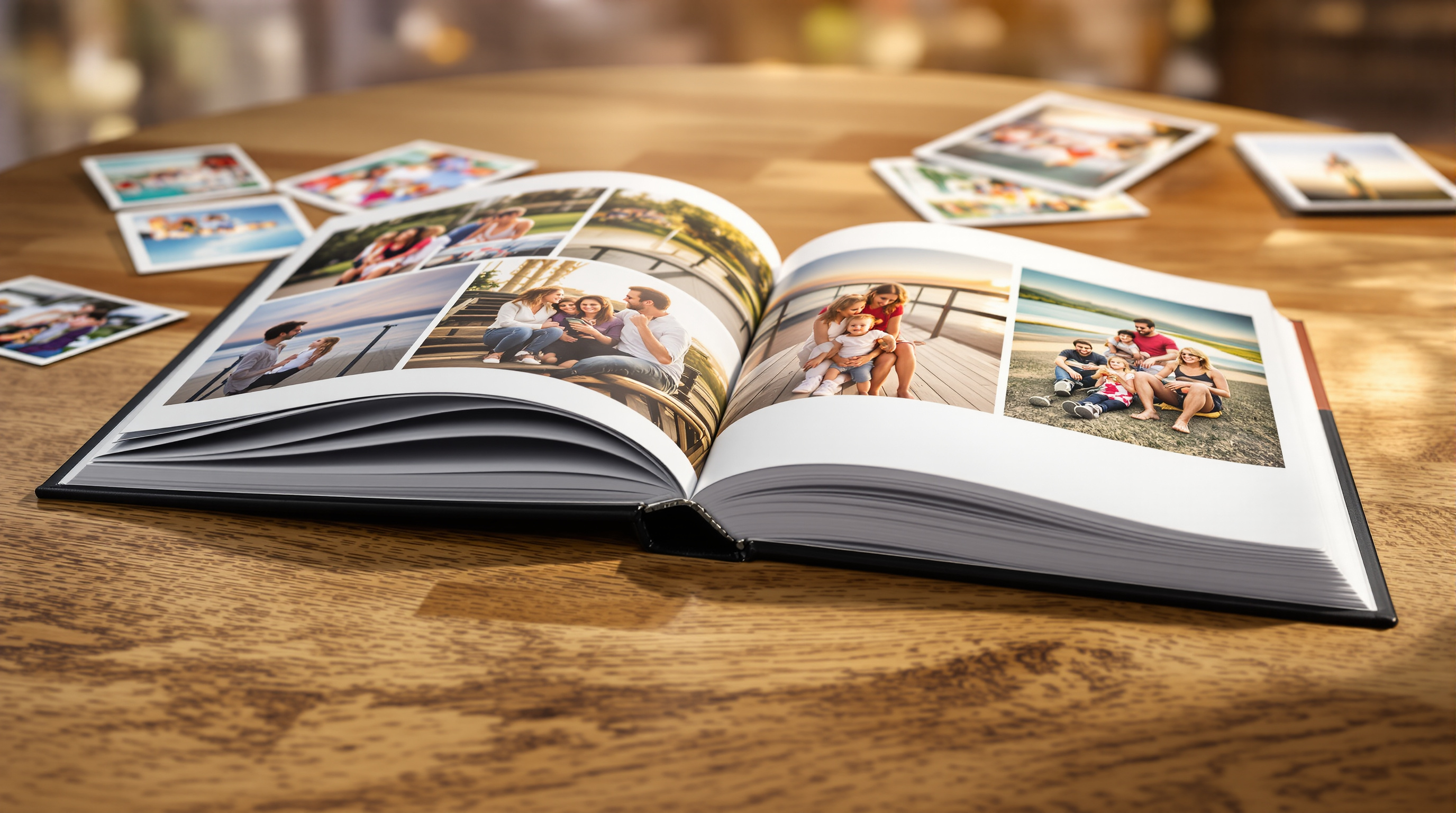
A custom photo book turns the photos on your phone into a book you can hold, hand to family and keep on the shelf. At The Print Refinery Louisville East you choose from three kinds of photo books, design yours online, and pick it up free at our Westport Road store. This guide covers how to choose a book, get your photos ready and place your order.
What kinds of photo books can I order?
There are three, from simple to special:
- Quick photo books: 11 x 8.5 inches, with 20 to 40 pages. Pick a Custom Cover, a Black Cover or a Completely Custom Cover. A simple way to put a year, a trip or a big event in one book.
- The Slim: five sizes (8 x 8, 8 x 10, 10 x 8, 10 x 10 and 12 x 12) with magazine-style pages that are tear proof and water resistant, in silk matte or high gloss. It starts at 10 spreads (20 pages), and you can add spreads up to 50, which is as many as 100 pages.
- The Modern: a lay flat book with back-to-back page mounting and the look and feel of a coffee table book. It comes in 8 x 10 or 12 x 12.
The quick photo books are on our photo books page. Each book page shows its current price.
Which photo book should I choose?
Start with what the book is for:
- A simple book of a year or a trip: a quick photo book. Up to 40 pages is plenty for a highlights book.
- A square book, a bigger book or a lot of photos: The Slim photo book, with up to 100 pages and sizes up to 12 x 12.
- Wide photos that cross both pages: The Modern. Our guide to lay flat photo books explains when lay flat is worth it.
- A wedding album: read our wedding photo album guide for book, cover and photo tips.
What cover options are there?
The quick photo books come with the three covers above. The other two books give you more choices:
- The Slim: a photo cover or a cloth cover, in colors such as Raven, Cement, Java and Caramel. You can add a 4 x 4, 5 x 5 or 6 x 6 cameo photo to the cover (a luster print, acrylic or metallic), and a title or imprint in hot stamping, UV stamping or UV raised foil.
- The Modern: an image wrap cover, printed as a photo wrap or a canvas wrap, or a material wrap cover. Inside, choose luster or metallic paper.
How do I get my photos ready?
Most of the work in a photo book is choosing the photos. A little sorting first makes the design part quick:
- Pick the story first. One year, one trip, one wedding or a baby's first year. A clear story makes it easier to leave photos out.
- Gather your favorites in one place. Make one album or folder on your phone or computer and mark the photos you love.
- Cut the near-copies. Delete duplicates and blurry shots, and keep the best one or two of each moment.
- Put them in order. Think in chapters, in the order things happened.
- Leave some white space. A page with one or two photos often looks better than a page with eight.
- Use the original files. Upload photos straight from your phone or camera, not screenshots or photos sent through a messaging app.
For a photo that fills a whole 8 x 10 page, aim for about 2400 x 3000 pixels, which is 300 DPI. Cropping lowers the pixel count, so start with the largest file you have. Our resolution guide shows how to check a photo.
Have old prints you want in the book? Our photo scanning service scans them at 300 DPI at our Louisville store and gives you JPG files to add. Your originals stay in our care.
Can I make a photo book from my phone?
Yes. You can upload photos from your phone, your computer or your saved galleries, then move, zoom and add text. You see a preview before you order, so take a slow look at every page. Check names and captions for typos, and make sure no faces are cut off at the edge.
Not sure a photo is sharp enough? Call us at (502) 339-1999 before you order. If a photo is low resolution, we can often upscale it to help.
Can someone help me design my book?
Yes. Call us or stop by the store, and a real person will help you choose a product, a size and a layout. If you are short on time, ask us about custom design. Custom design work is quoted per project before we start.
Thinking about ordering from a website instead? Read what to compare when you choose local or online photo book printing.
How long does a photo book take?
Most orders are ready in 1 to 5 business days, depending on the product, quantity and finishing. We email or text you when your book is ready. During the peak holiday season, production and shipping can take a little longer. Making a book as a gift? See our photo book Christmas gift ideas.
How do I order?
- Pick your book: a quick photo book from the custom photo books page, The Slim or The Modern.
- Choose the size, cover and paper, then select Design Now. On The Slim and The Modern you can also choose to customize the design further.
- Upload your photos, build your pages and check the preview.
- Add it to your cart, then choose free pickup at 9451 Westport Road, Suite 119, or have it shipped.
If your book is not what you expected, contact us within 7 days of receiving it, with your order number and a photo of the problem. We will make it right with a remake or a refund.
Call (502) 339-1999, visit us at 9451 Westport Road, Suite 119, Louisville, KY 40241, or start your order online.
Shop Photo Books