Film Scanning in Louisville
TK Broecker / 19 July 2026
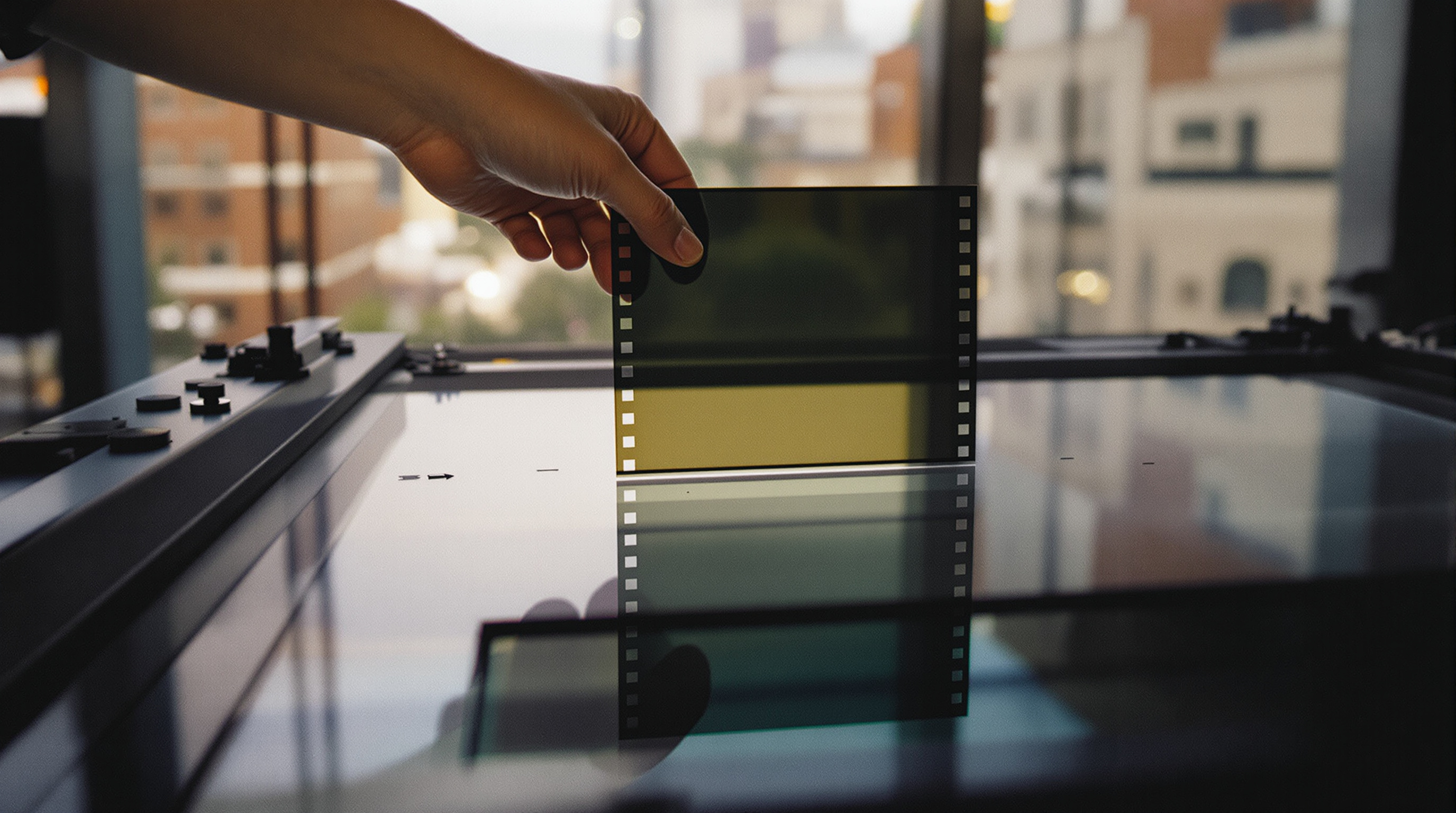
Film scanning turns your negatives and slides into digital files you can share, print and keep. At The Print Refinery Louisville East we scan 35mm, medium format and other negatives, plus 35mm slides, to JPEG or TIFF files. All the work is done at our Louisville location. Your originals are never sent out of town, and they always come back to you.
What film can you scan?
Negatives
Our negative scanning service covers:
- 35mm negatives, our standard size
- Medium format 120 and 220
- APS, 110 and 126
- Color and black and white negatives
Sleeved strips are scanned in full unless you mark frames to skip. Sizes other than 35mm cost extra.
Slides
We scan 35mm slides, including Kodachrome and Ektachrome, glass-mounted slides and archival collections. Loose or boxed slides are welcome, and labeled carousels keep their order. Other slide sizes cost extra. See our slide scanning service for details.
Medium format
We scan 120 and 220 negatives in every common frame size: 6x4.5, 6x6, 6x7 and 6x9. A medium format negative is much larger than a 35mm frame, so it holds more detail and tone. Learn more on our medium format negative scanning page.
What resolution do I need?
Pick the resolution for how you plan to use the files:
- 35mm negatives and slides: a standard scan is about 4496 x 3000 pixels. That is enough for prints from about 12x18 to 16x24. Higher-resolution scans are available on request.
- Medium format: choose low resolution for email and social media, standard for everyday prints and sharing, high for large prints and heavy cropping, or high TIFF for archiving and for editing in programs like Photoshop or Lightroom. Pixel dimensions depend on your frame size.
Not sure which to choose for slides? Tell us your slide type, how many you have and how you plan to use the files, and we will recommend an option.
Should I choose JPEG or TIFF?
Both file types are available. As a general guide:
- JPEG files are smaller and open on any phone or computer. They are easy to share, post and order prints from. JPEG compresses the image to save space.
- TIFF files are much larger because they are not compressed that way. They are the better choice if you want an archive copy or plan to edit your photos.
You get your files on a USB drive, a CD or a secure cloud download.
Do you clean or retouch the film?
We check orientation and emulsion, then clean every negative and slide with air before scanning. In rare cases we use an anti-static cloth for fingerprints. Dust, lint and scratches that air cleaning can't remove stay in the image, and a standard scan is not retouched.
How should I prepare my film?
- Sort it first. Put negatives and slides in the order you want them scanned, and add notes. Group loose slides by date or event. Labeled carousels keep their order.
- Mark frames to skip with a removable sticky flag, not a mark on the sleeve.
- Keep tape and stickers off the film. Adhesive shows in scans.
- Point out problems. If some negatives are damaged or stuck together, set them aside and mention them when you drop off.
- Store film well until then. Keep it somewhere cool, dry and dark, in sleeves rather than plastic bags that can trap moisture.
Why scan old film at all?
A negative is hard to enjoy as it is. Its tones are reversed, and a color negative has an orange tint, so holding one up to a window tells you little about the photo. A scan turns it back into a normal picture on your screen. Old film also ages: the dyes in older negatives and slides can fade, especially after years in heat or humidity. A scan gives the whole family a copy, lets you print a favorite at a bigger size, and gives you files you can back up. Keep your scans in more than one place, for example on a computer and in cloud storage, and keep the originals too.
Can you scan prints and other originals too?
Yes. We also scan photos, letters, recipes and certificates at 300 DPI to JPG files, and your originals never leave our store. Oversized photos, fine art, scrapbooks, x-rays and other fragile originals go to our specialty scanning service, with JPG or PDF files.
Can I get scans when I develop new film?
Yes. When you order film developing, you can add scans in one of four resolutions. All scans are color corrected and delivered by digital download. We send one email when your order is complete and a second with your download link. Read our guide to film developing in Louisville for the details.
How much does film scanning cost?
Each frame counts as one scan. 35mm is our standard size. Medium format is priced separately, and other non-standard sizes cost extra. For current pricing and turnaround on your project, contact us at (502) 339-1999 or stop by the store.
How do I get my film scanned?
- Sort your negatives or slides and mark any frames to skip.
- Drop them off at our store at 9451 Westport Road, Suite 119. No appointment is needed for most services.
- Pick up your JPEG or TIFF files on USB, CD or by secure cloud download, along with every one of your originals.
The store is open Monday to Friday 10 am to 6 pm and Saturday 10 am to 2 pm. Ready to print your favorites? Read our guide to prints from film negatives, or start with our film negative scanning page.
Call (502) 339-1999, visit us at 9451 Westport Road, Suite 119, Louisville, KY 40241, or start your order online.
See Negative Scanning