Business Card Printing Guide
TK Broecker / 2 August 2026
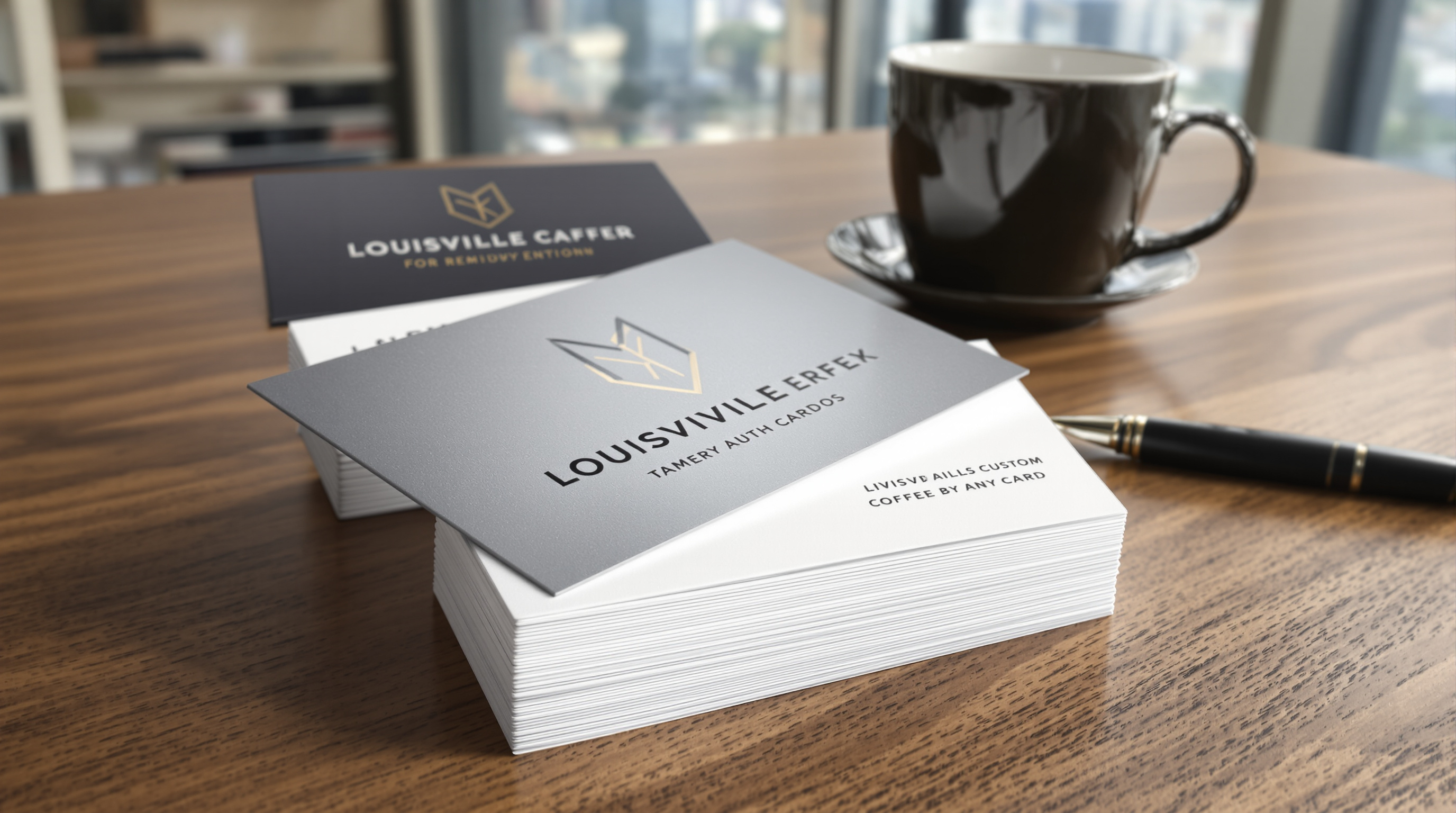
Business cards from The Print Refinery Louisville East come in three sizes, on 8 papers, with square, rounded or leaf corners. Upload your own artwork, or start from one of our designs and type your details. You see a proof of the trimmed card before you order, and pickup at our Westport Road store is free.
What sizes can I order?
There are three sizes:
- Standard: 3.5 x 2 inches, the classic card shape.
- Square: 2.5 x 2.5 inches.
- Mini square: 2 x 2 inches.
Standard is the safe choice if people will keep your card in a wallet or a card holder. A square or mini square card looks different from the cards around it, which suits a creative business, a salon or a cafe. You choose the size first, and you can change it later in the designer if you change your mind.
What paper and corners can I choose?
Cards are printed on thick premium stock. You pick from 8 papers, from a sturdy 14pt card stock up to a 100 lb pearlescent paper. The other choices:
- Corners: square, rounded at 1/8 or 1/4 inch, or a leaf shape.
- Sides: front only, or front and back.
A two-sided card gives you room to split the job. Put your logo and name on the front, and your phone, email, website and address on the back. Your final price depends on the size, paper and options you pick, and you see it before you order. Check the current business card prices before you start.
What should go on a business card?
A business card has one job: help someone remember you and reach you later. Keep it short.
- Your name and what you do. A job title or a one-line description of the business.
- One or two ways to reach you. Phone and email are enough for most people. Add a website if you have one.
- Your logo. Use the best version you have, not a screenshot.
- Room to breathe. Empty space makes the important lines easier to read.
Leave off anything that will change soon, like a sale price or a temporary address. Read every number twice. A wrong digit in a phone number means reprinting the whole box.
Can I upload my own design?
Yes. A PDF works best. For a standard card, size the file at 3.75 x 2.25 inches, so it includes bleed. Bleed is extra background that runs past the cut line, so you don't get a thin white edge after trimming. For business cards, the standard settings are:
- Bleed: 0.125 inch.
- Safe area: keep text and logos at least 0.125 inch inside the cut line.
Our guide to bleed, trim and safe area shows how to set this up in Illustrator, InDesign, Photoshop, Canva and Word. Made your card in Canva? Download it as a PDF (Print) file, and turn on the print bleed setting before you do. We check your file and show you how the trimmed card will look before you order.
We also take JPEG, PNG, TIFF, PSD, AI and SVG files. For the sharpest result, aim for 300 DPI at the size you are printing. Not sure your file is ready? Bring it in before you order and we will check it for you. In most cases we can adjust a file for a small setup fee.
I don't have a design. Can you help?
You have two options:
- Start from one of our designs. Our ready-made business card designs are built for everyone from cleaners and contractors to salons, cafes and realtors. Pick one and type in your details.
- Have our team design it. Our design services cover business cards, postcards and simple logos. We can also fix an existing design so it is print-ready. Our designers talk through the idea with you before any work starts. Custom design is quoted per project and billed hourly with a half-hour minimum, and you get an estimate before we begin.
Can my cards match the rest of my printing?
They should. A business card is often the first printed piece someone sees, so use the same logo file, colors and fonts on your cards, postcards, signs and stickers. Keep a copy of your final print-ready file, so a reorder looks the same as the first box. Our design team also lays out flyers, brochures, posters and signs, so every piece can match.
Will I see a proof before you print?
Yes. Every proof shows the trim, bleed and safe area, so you can see exactly what will be cut and what stays on the card. Before you order, check:
- the spelling of your name, title and business name;
- every digit of your phone number, and every letter of your email and website;
- that no text or logo sits too close to the edge;
- that the back is the right way up, if you print both sides.
How long does it take?
Most orders are ready in 1 to 5 business days, depending on the product, quantity and finishing. We email or text you when your cards are ready. If you need cards for a set date, like a trade show or a first day at a new job, call us at (502) 339-1999 before you order and we will tell you what's realistic.
How do I order?
- Open our custom business cards page and choose your size.
- Upload your artwork, or browse our designs and type your details.
- Pick your paper, corners and one or two sides, then check the proof.
- Choose free pickup at 9451 Westport Road, Suite 119, or have your cards shipped. We email or text you when your order is ready.
Prefer to start in person? Stop by the store Monday to Friday 10 am to 6 pm or Saturday 10 am to 2 pm. Need more than cards? Our small business print checklist covers postcards, signs, stickers and more.
Call (502) 339-1999, visit us at 9451 Westport Road, Suite 119, Louisville, KY 40241, or start your order online.
Shop Business Cards