VHS to Digital Guide
T.K. Broecker / 29 September 2025
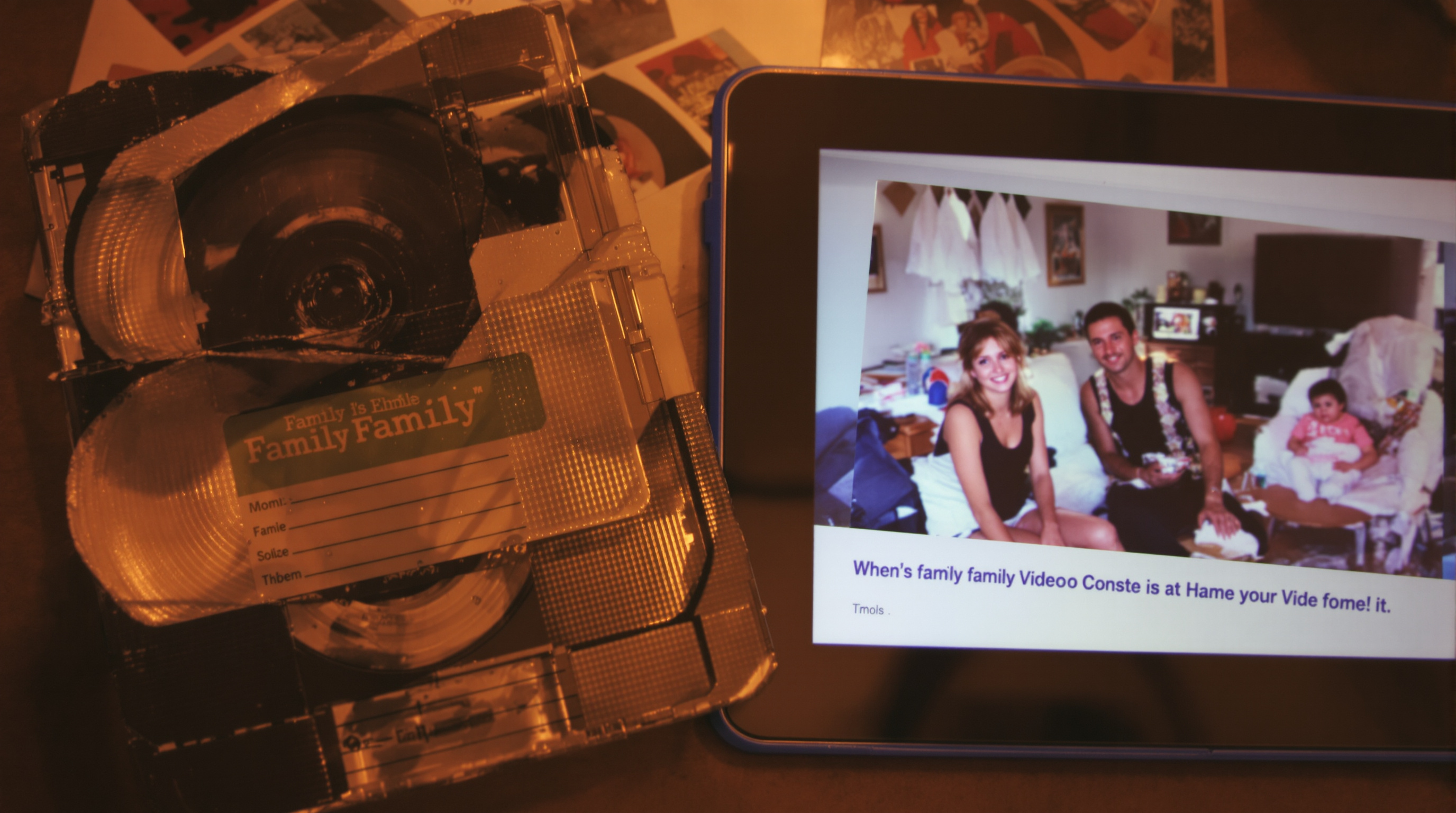
To get your VHS tapes to digital, bring them to The Print Refinery Louisville East. We transfer VHS and camcorder tapes in house at our Westport Road store, and you get your home movies back on a USB drive, a DVD, a Blu-ray or a cloud download. Your tapes never leave our property, and they come back to you when the transfer is done.
Which tapes can you transfer?
We transfer all of these home video formats:
- VHS: the full-size cassettes that played in a home VCR.
- VHS-C: compact VHS, made for camcorders. It will not play in a normal VCR without an adapter, but you don't need to bring one. Just bring the tapes. See our VHS-C tape transfer page.
- Hi8, Video8 and Digital8: small camcorder cassettes. Hi8 and Video8 use the same cassette, and Hi8 was the higher quality version that came later.
- MiniDV: a small digital video cassette used by many home camcorders. See our MiniDV transfer page.
- Betamax: also called Beta. Most people can no longer play these tapes, because working Beta players are hard to find.
- Other camcorder tapes: other analog or digital camcorder tapes as well.
If you are not sure what format a tape is, bring it in and we will check. Formats and details are on our VHS and video tape transfer page.
Is Video8 the same as 8mm movie film?
No. Video8 is a camcorder tape in a small plastic cassette. Movie film on open reels is a different service, which we also offer. If your family filmed on reels instead, read our guide to 8mm and Super 8 film to digital.
How will I get my videos back?
You choose how your files are delivered:
- Digital download: a secure link to download MP4 files to any phone, tablet or computer. It is ready as soon as your order is complete, with nothing to pick up.
- USB drive: MP4 files on a USB flash drive you take home. Plug it into a TV, a laptop or a digital photo frame.
- DVD: a standard DVD with a simple menu that plays on any DVD player. DVDs are standard definition, which suits most older tapes well.
- Blu-ray: also available.
Download and USB both keep the full quality of your transfer as an MP4 file. You can combine options on one order, and each option is priced differently. Ask which options fit your tape format when you drop off.
Which delivery option should I choose?
It depends on how you plan to watch:
- Watching on a TV with a DVD player: choose a DVD. It is often the easiest choice for older family members, with no computer or phone needed.
- Watching on a computer or phone, or making copies: choose USB or a download.
- The fastest option: a digital download, because your link is ready the moment your order is finished.
Many customers get a digital download for themselves and a DVD or USB drive to give to someone else.
Do my tapes leave the store?
No. All transfers are done in house at our Louisville location. Your tapes are never shipped out to another company, and we return them to you when the transfer is done.
What if a tape is damaged or moldy?
Bring it in anyway. For MiniDV and Betamax tapes, we will do our best, and if a tape is in very bad shape and cannot be transferred, we will tell you and there is no charge for that tape. For a damaged tape in any other format, ask us at the counter what we can do.
Do you trim the blank parts of a tape?
On MiniDV tapes, yes. We trim the start and finish of every MiniDV tape. If you also want blank stretches removed from the middle, that is an optional extra, billed by the time it takes. The current rate is on the MiniDV transfer page. For other formats, ask us when you drop off.
How long does a tape transfer take?
Most transfers take 7 to 14 business days, depending on the number of tapes. We work through orders first in, first out, so timing also depends on how many orders are ahead of yours. If you need the videos for a family event, call us at (502) 339-1999 before you drop off and we will give you a realistic estimate.
Can I share the videos with family?
Yes. Make as many copies as you like and share them freely. A USB drive is a popular choice for gifting, because it is easy to hand off to family.
If the same closet holds old photos too, we scan and restore those as well. Read our guide to old photo restoration to see what can be repaired.
How do I get my tapes transferred?
- Gather your tapes and jot down what is on each one so you can find it later.
- Bring them to our store at 9451 Westport Road, Suite 119. No appointment is needed for most services. We are open Monday to Friday 10 am to 6 pm and Saturday 10 am to 2 pm.
- Choose your delivery: USB, DVD, Blu-ray, cloud download, or more than one.
- We transfer every tape in house at our Louisville store.
- Pick up your USB, DVD or Blu-ray, or download your files, and take your original tapes home.
Questions first? Call us at (502) 339-1999 and tell us what you have.
Call (502) 339-1999 or bring your tapes to 9451 Westport Road, Suite 119, Louisville, KY 40241.
See Video Tape Transfers